Run Cradle on your machine
From one command to your first team — install the server on your own computer, let the console find it, and pick a model for your hardware.
This is the whole path on a single computer: start the server, connect it in the console, check what your hardware can run, pull a model, create the first team. CPU or GPU, it is the same path.
1. Start the server
You need Node 22, pnpm and curl, on macOS or Linux. One command installs
cradle-server under ~/.local/share/cradle (no root) and starts it:
curl -fsSL https://download.opencradle.ai/cradle-cli/latest/cradle-cli-install.sh | CRADLE_BIND=127.0.0.1 sh && ~/.local/bin/cradle-server --data-dir ~/.local/share/cradle/data --port 31416 --bind 127.0.0.1The server listens on http://127.0.0.1:31416 — this computer only. Requests
need an API key even locally; the installer saves it to
~/.local/share/cradle/data/client-credentials.json. Ports, data directory and
LAN access are in Local deployment.
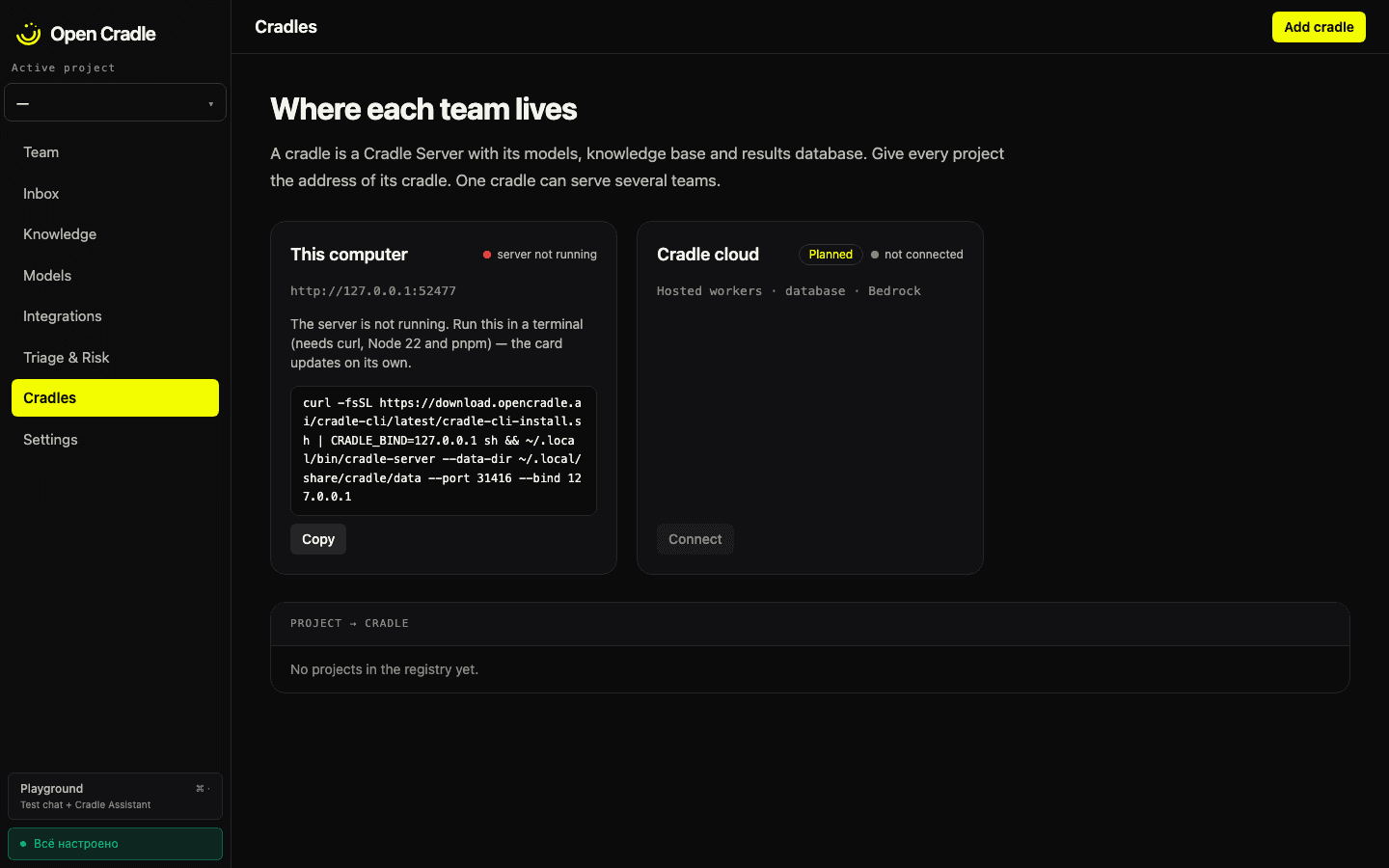
If the server is not running, the console tells you so and gives you this exact command with a Copy button:
2. Let the console find it
Open the console on opencradle.ai and go to Cradles. The This computer
card is always there and watches http://localhost:31416 by itself — start the
server and the card changes without a page reload.
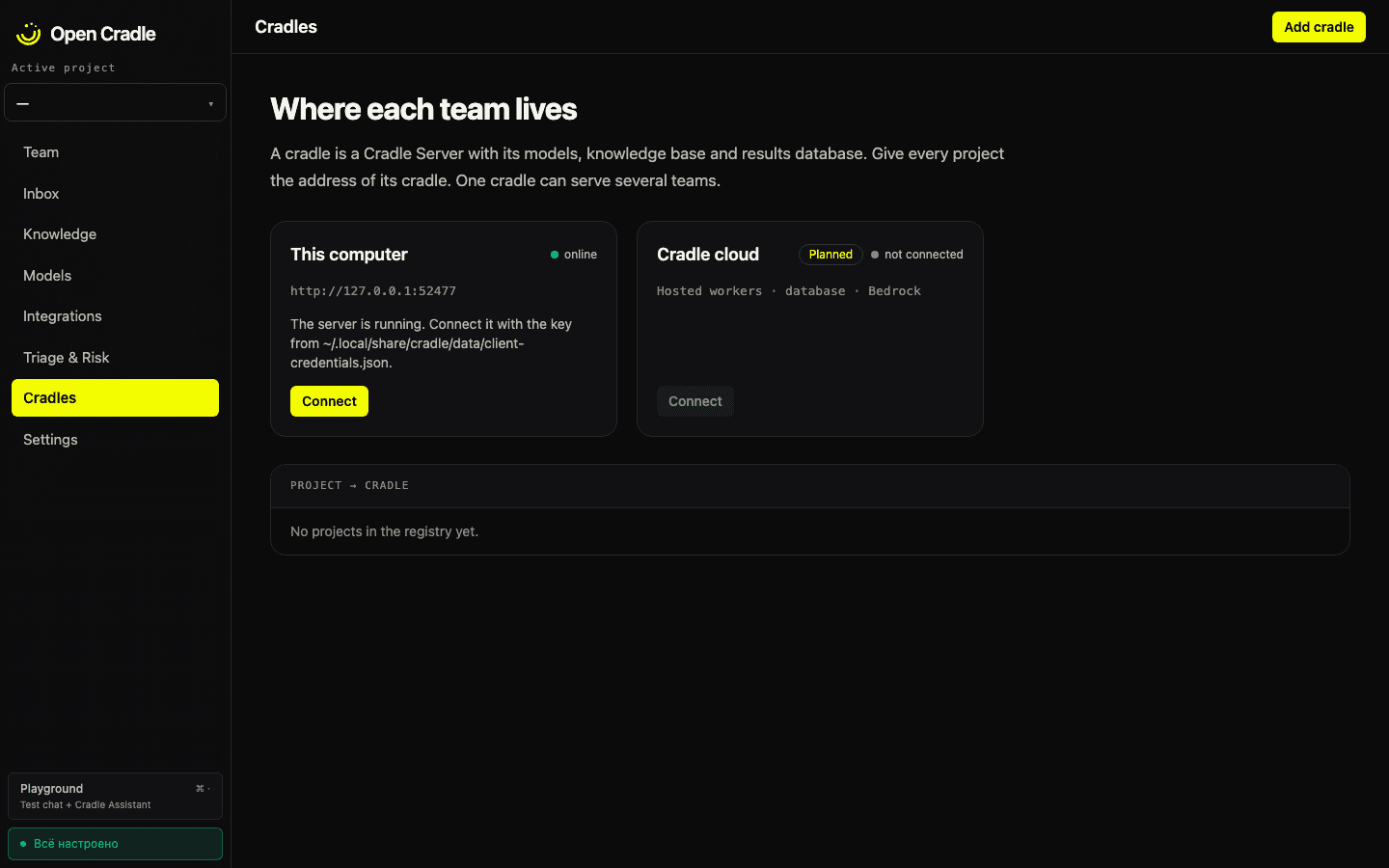
Press Connect, paste the key from client-credentials.json, and the card
shows this machine: platform, CPU cores, RAM and the cradle's kinds.
3. See what the machine can run
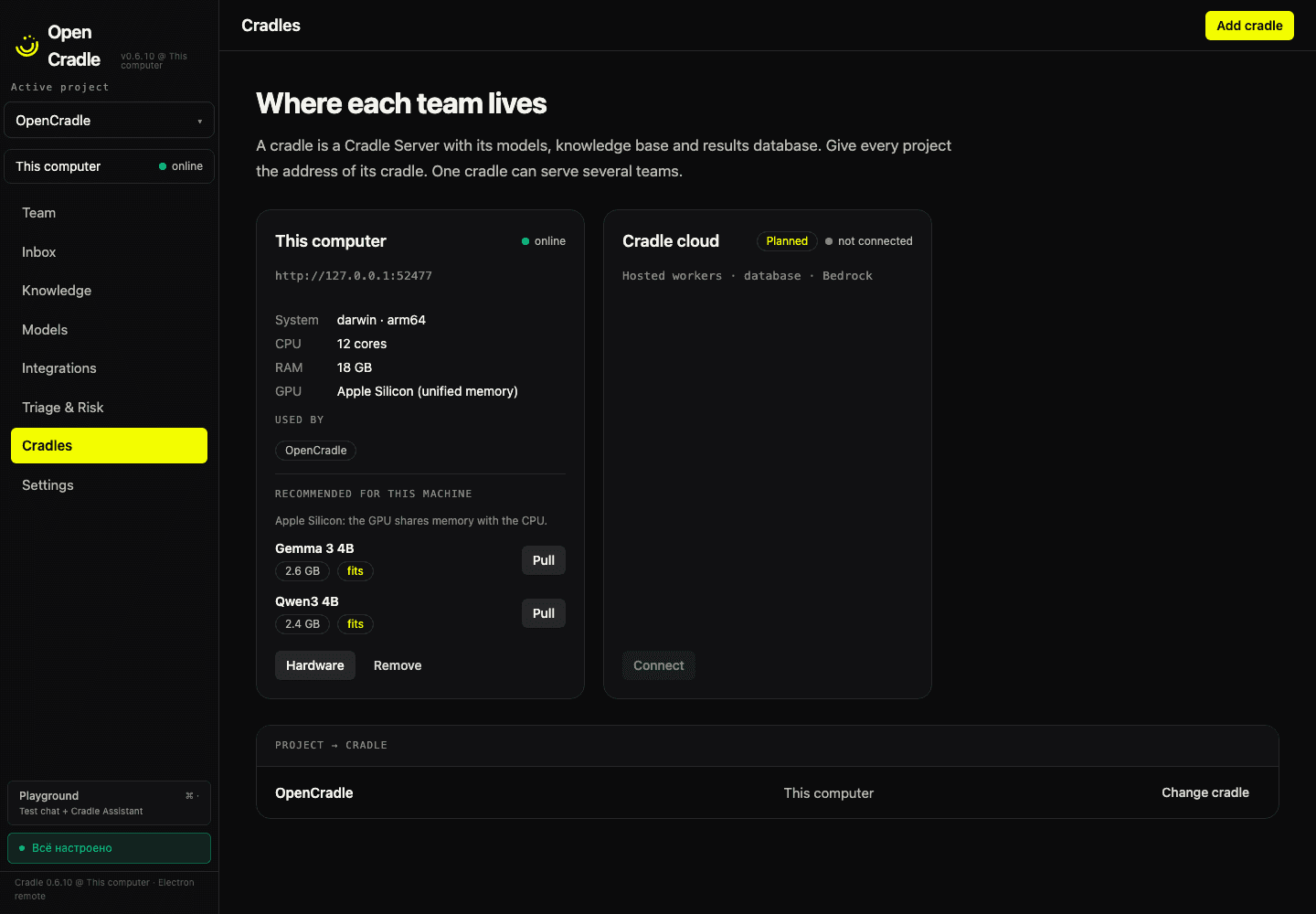
Recommended for this machine lists up to two models from the catalog that pass the cradle's hardware check for this RAM and OS, with a Pull button. When the check lets nothing through, the card says so — no model is offered that the machine cannot hold.
GPU. The server does not report a GPU. On Apple Silicon the console says the GPU shares memory with the CPU; elsewhere it says "GPU not reported". If you run on CPU only, expect smaller models and slower answers.
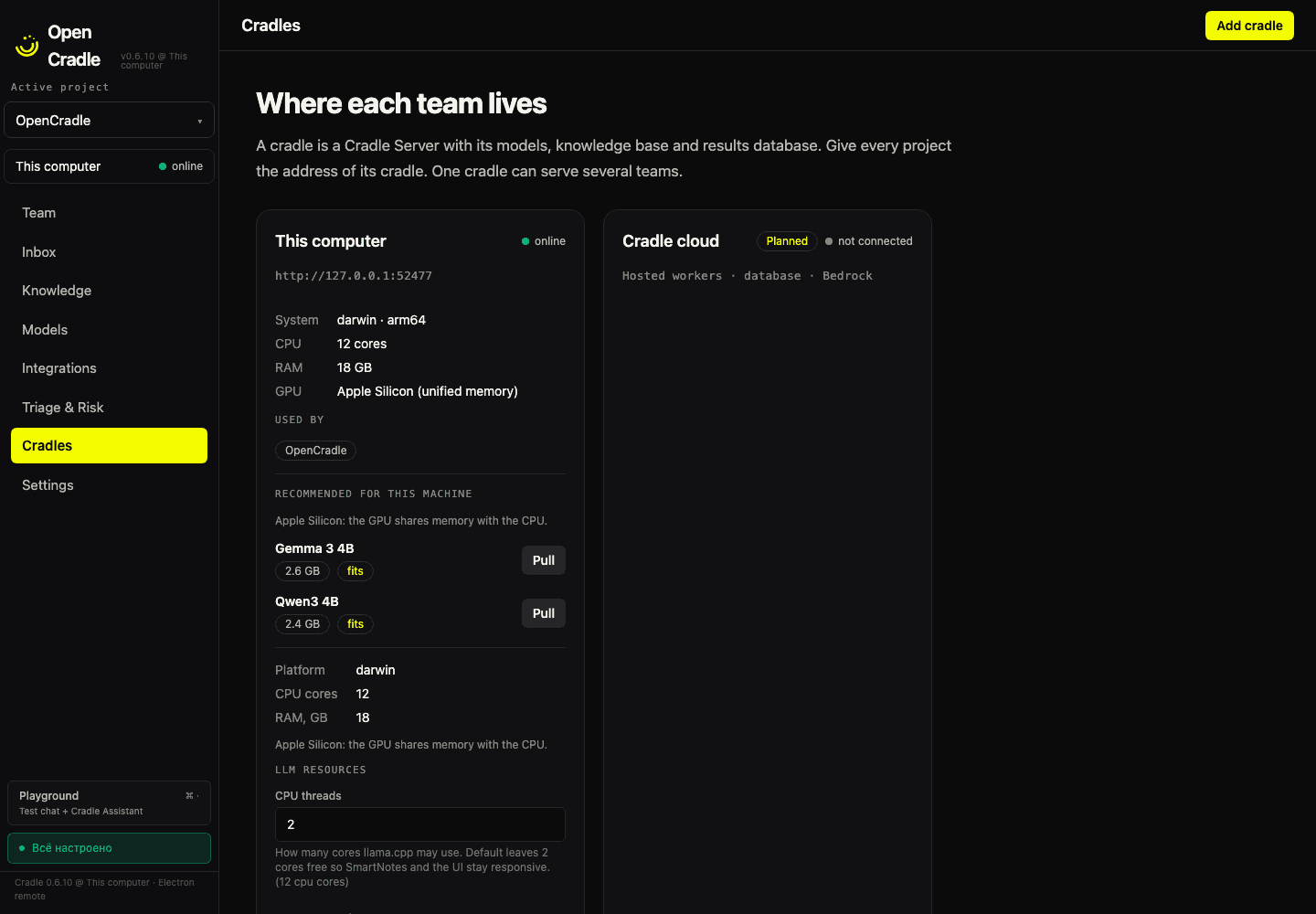
The Hardware tab of the card holds the settings of this cradle: CPU threads, maximum context and GPU offload. They are saved to the cradle you opened them on, not to whichever one is active.
4. Create your first team
Once a model is installed the card offers Create your first team. It opens the agent form with the captain role selected — the captain (Triage) is where every team starts. See Components for how a team is put together.
Next
- Local deployment — ports, data directory,
CRADLE_BIND. - GPU server — a shared box that several people connect to.